Studio—Wi-Fi & Internet
Wi-Fi installation,invisible install, every corner.
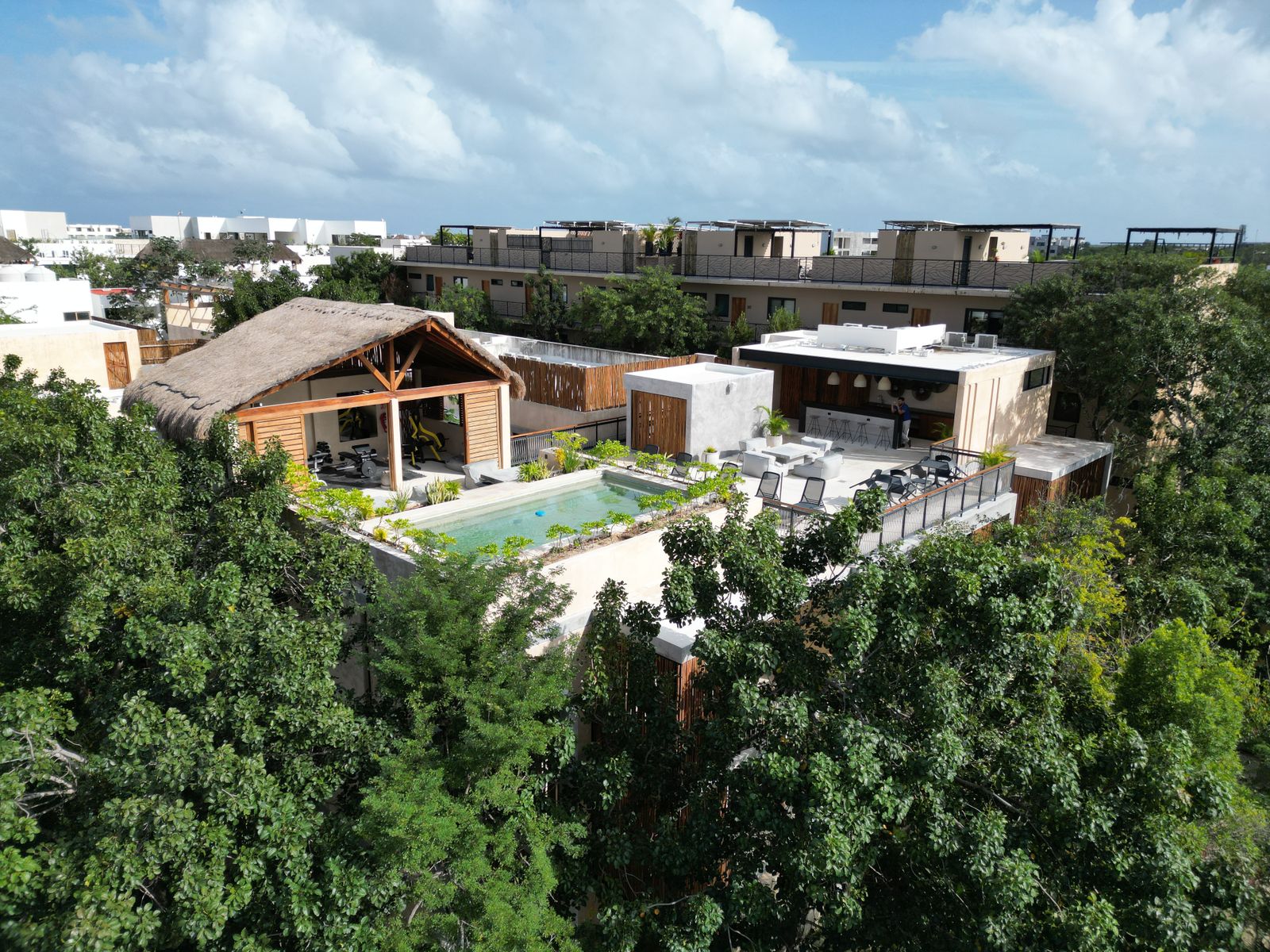
The jungle eats signal and the season eats bandwidth. We get a real connection into the property — Starlink where there is no line worth having, fibre or cable where there is — then mount the hardware where nobody sees it, run the cable where nobody trips, and put a mesh network in every room and on the roof — for owners who work from the terrace and rentals that live on the review.
No. 01 — Starlink Installation
Starlink installed where you never see it.
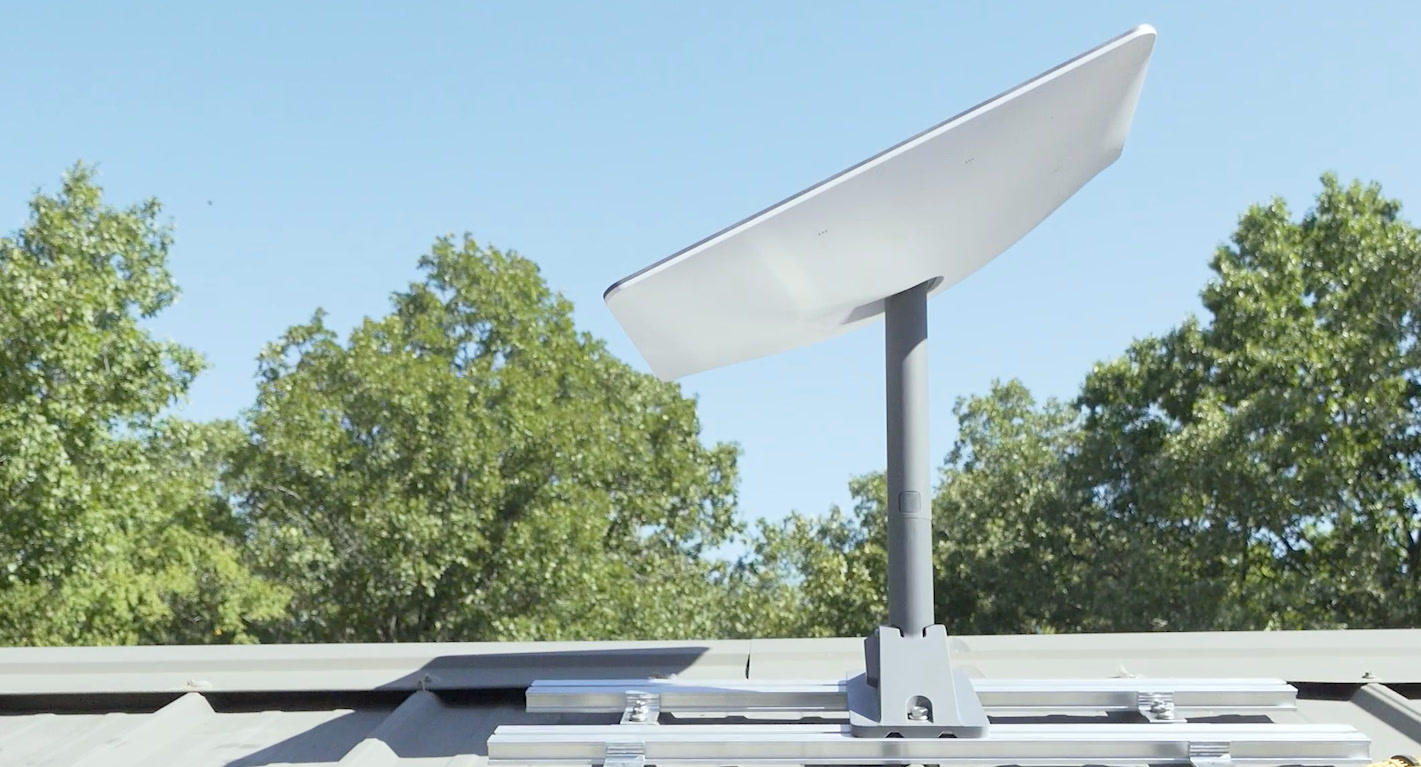
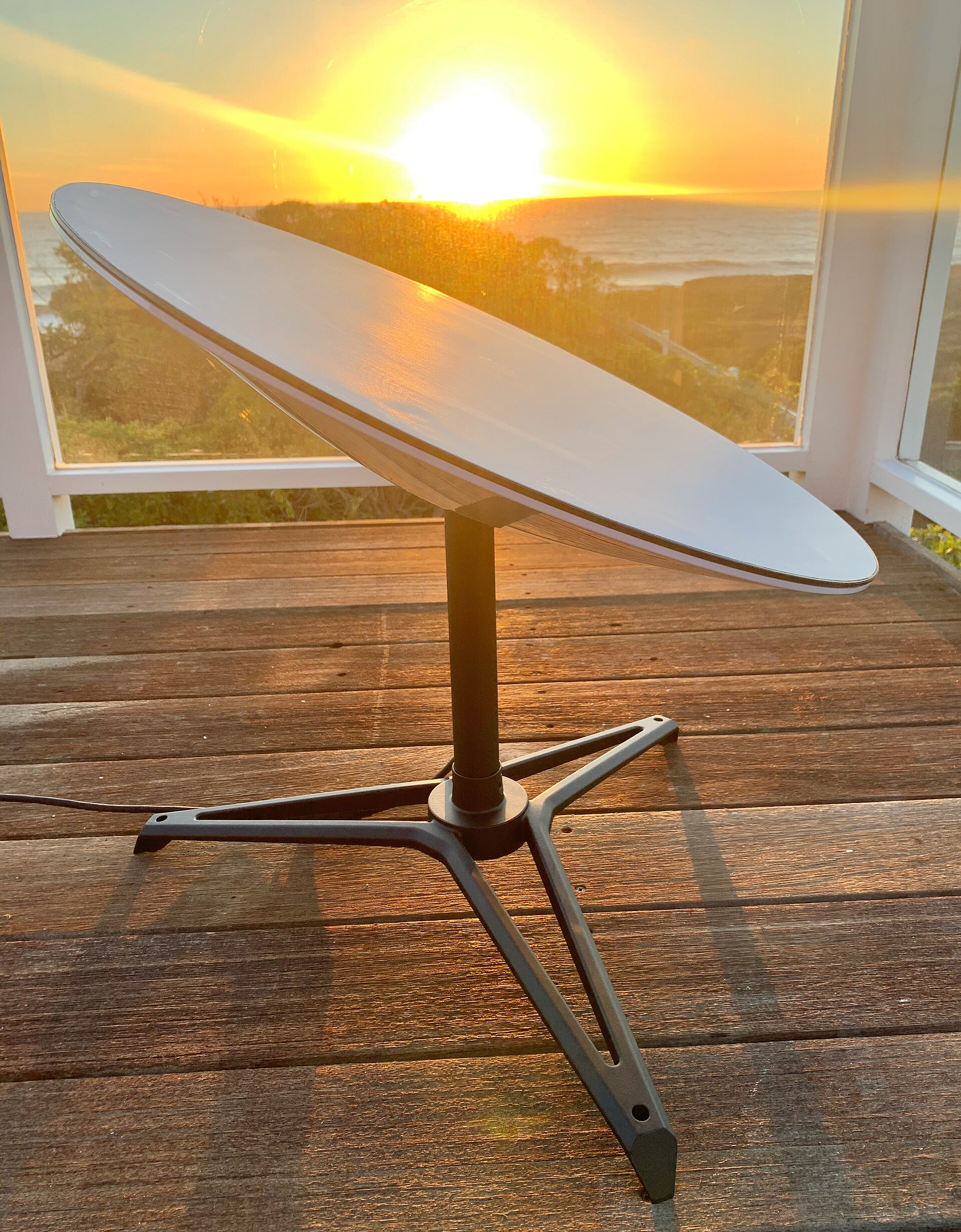
Roof, pole or parapet — we site the dish for a clear sky and an invisible profile, run the cable through the building not down the wall, and terminate it in a proper equipment niche. Backup power for the outages the coast is famous for.
- Mounts Roof · pole · parapet · deck
- Cable Concealed, in-wall or conduit
- Power UPS backup included
No. 02 — Whole-Home Mesh Wi-Fi
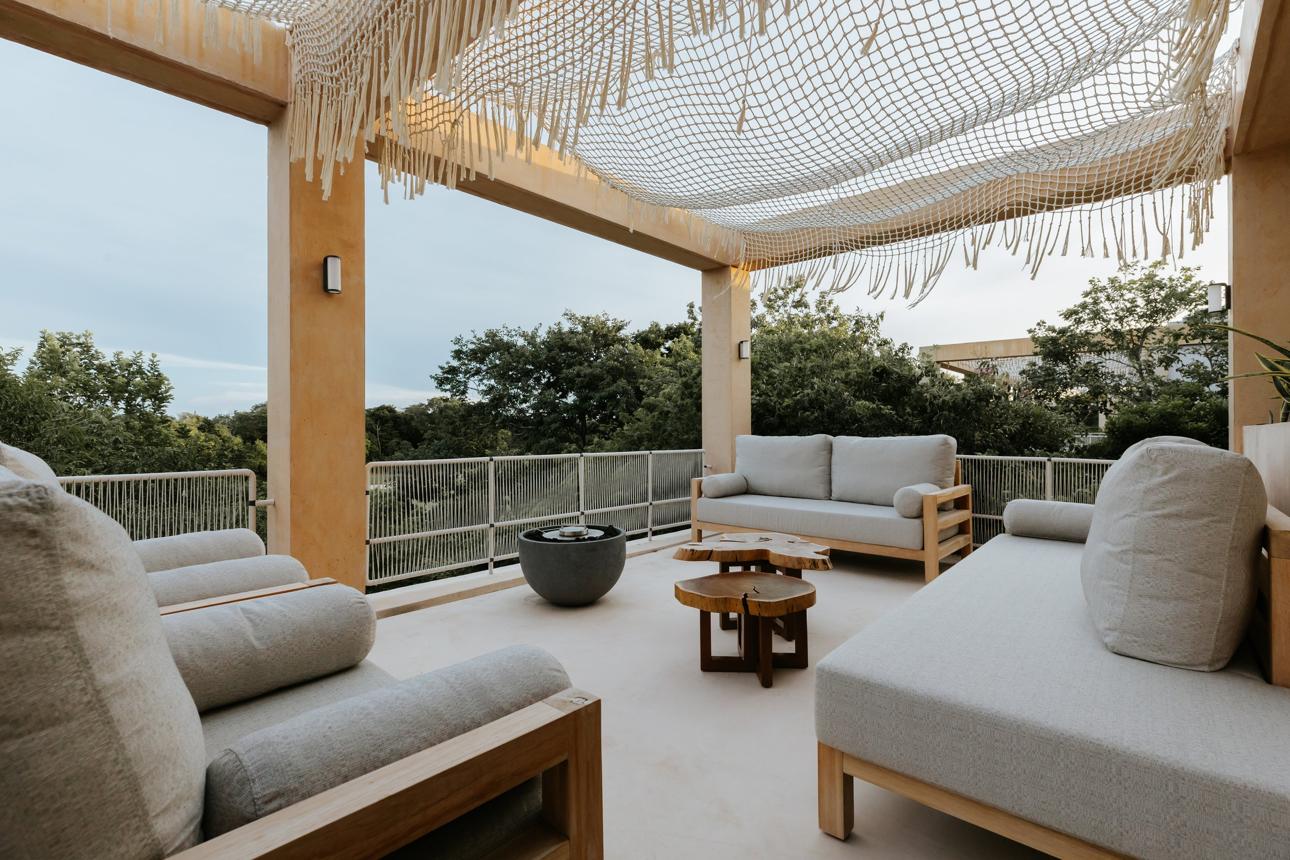
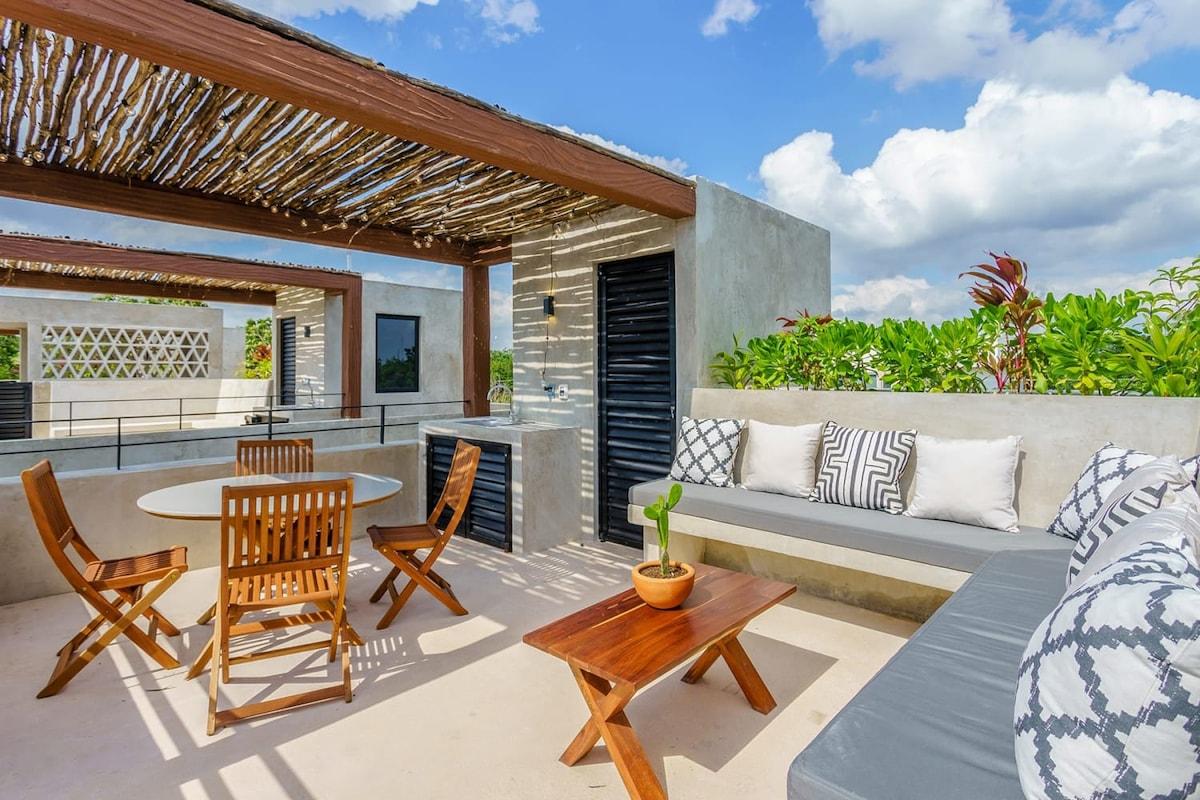
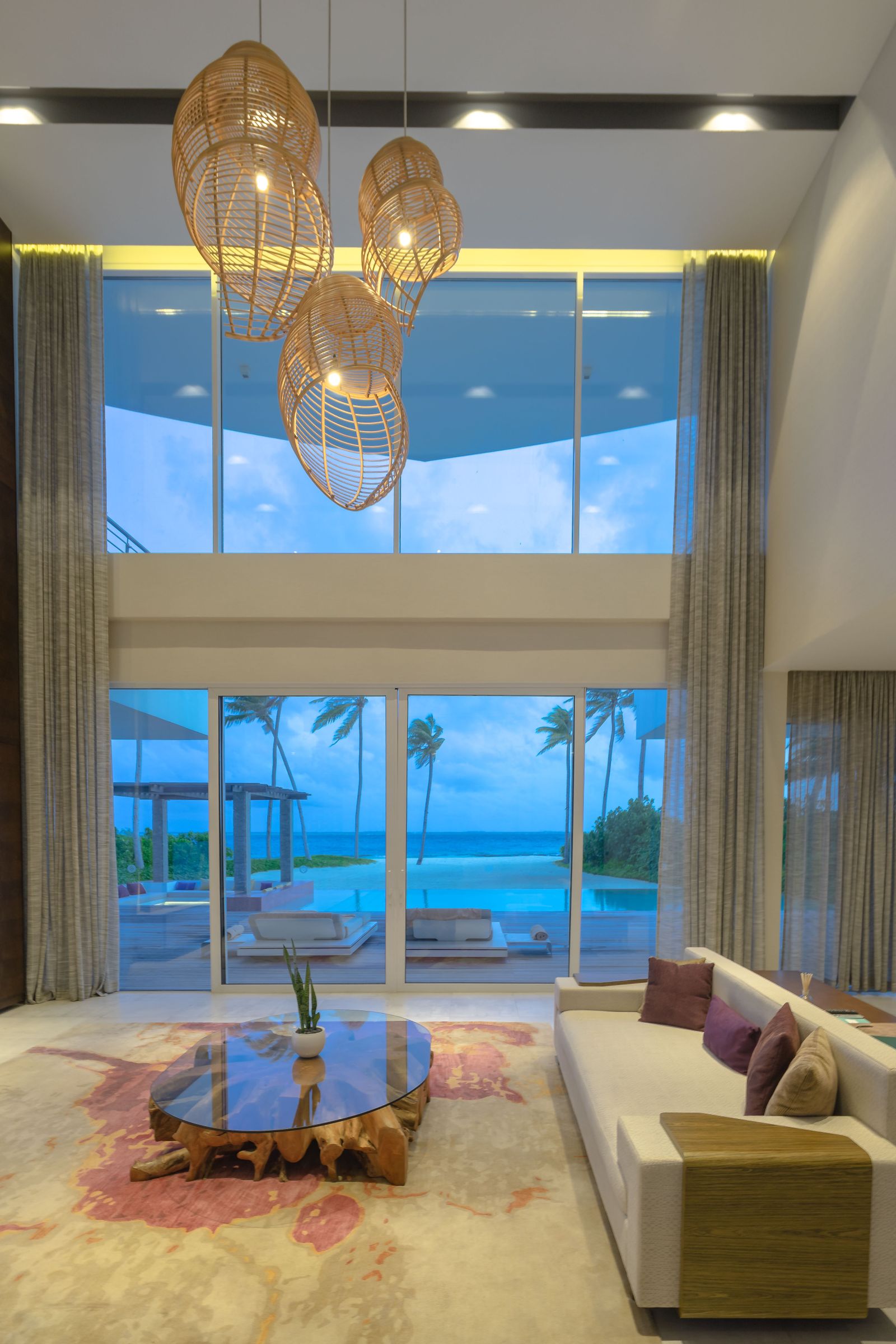
Wi-Fi in every room, on the roof and by the pool.
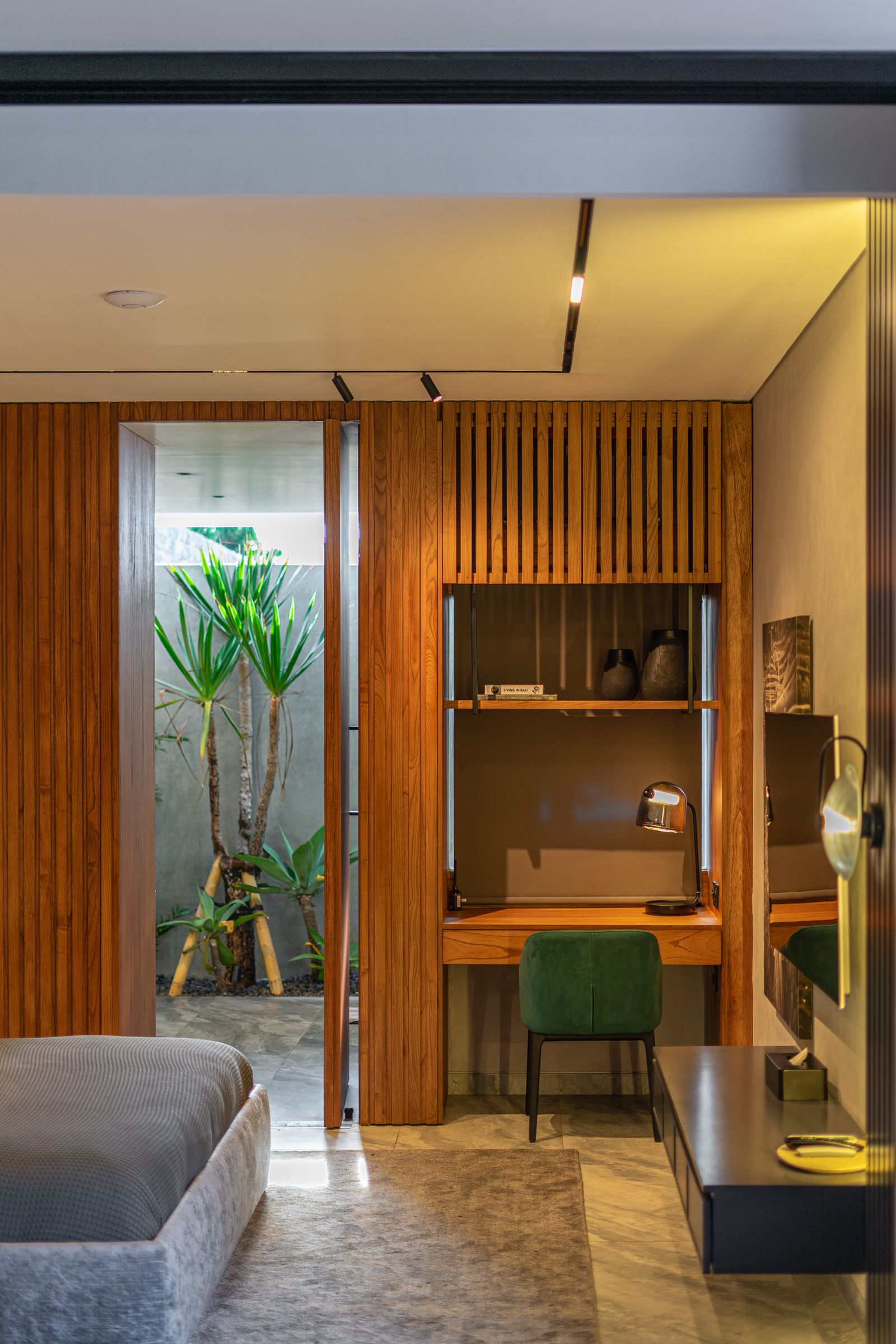
Concrete walls and long villas kill a single router. We place mesh access points room by room — flush in the ceiling, never on a shelf — so the rooftop call and the bedroom stream both hold. Wired backhaul where the building allows.
- Coverage Every room · terrace · pool
- Hardware Ceiling-flush access points
- Backhaul Wired where possible

No. 03 — Rental Networks
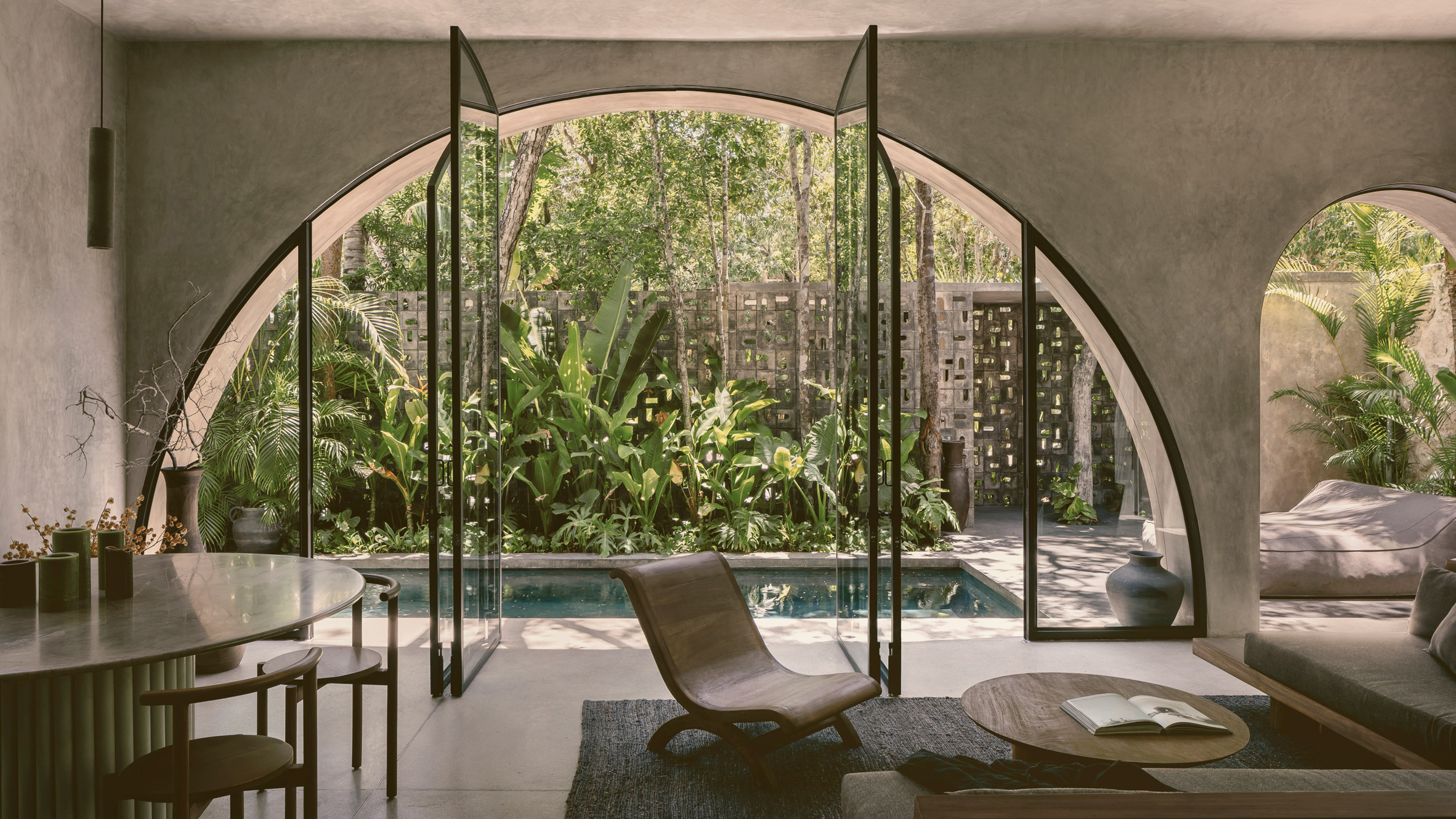
Rental networks — a guest network, an owner network, and no calls about the password.
A separate guest network with a printed card, an owner network for the locks, cameras and thermostats, and remote monitoring so we know the internet is down before the guest does. The five-star review starts with the Wi-Fi.
- Networks Guest · owner · devices
- Monitoring Remote, 24/7
- Handoff Printed card + QR
- Support We answer, not the guest
—How It Works
How Starlink installation works.
Satellite internet for properties where the local line is slow, unreliable or simply not there.
 01
01Check the sky
Starlink needs a clear view, not a good address. We find the mounting point with no palm and no parapet in the way, and check it across the day.
 02
02Mount and route
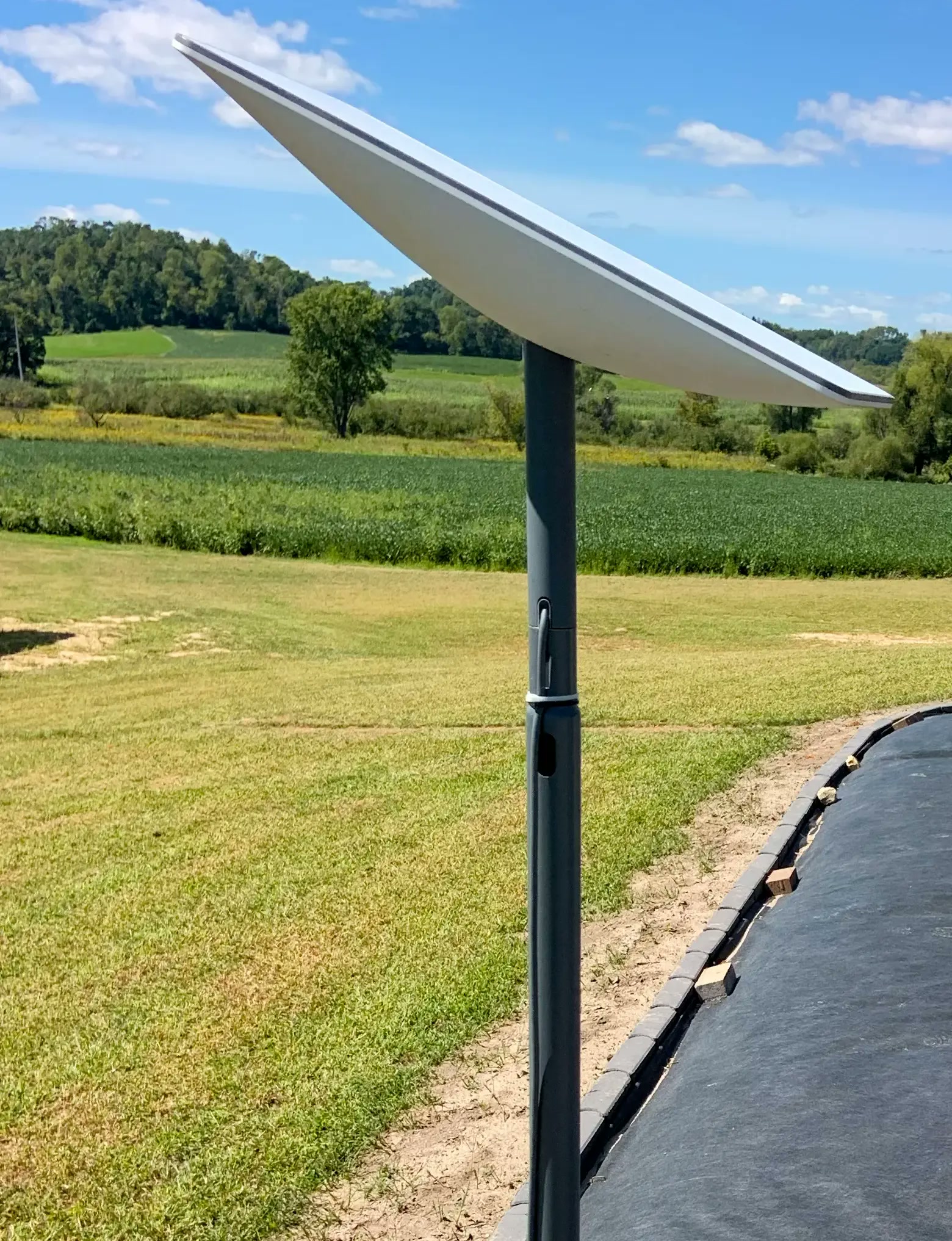
Roof, pole or parapet mount rated for wind, with the cable routed and sealed so the roof stays watertight through a storm season.
 03
03Network the property
A dish alone is not coverage. We add mesh or cabled access points so the signal reaches the terrace and the far bedroom, not just the living room.
 04
04Tested and supported
Speed tested in every room, the account handed to you, and the setup on file with us if it ever needs a second visit.
Book a Call
Get a Quote
Thirty minutes, no charge. You leave with a budget range and an order of work.
FAQ
Wi-Fi & Internet — questions, answered.
Does Starlink work in the jungle in Playa del Carmen?
Yes, with the dish sited correctly — it needs a clear view of the northern sky. In dense canopy we use a pole or roof mount above the palms. We survey before we quote, and tell you honestly if a site won’t work.
Is Starlink better than the local fibre or cable?
Where fibre exists and is reliable, we often install both — fibre primary, Starlink failover — because the coast loses power and lines in the season. Where fibre doesn’t reach, Starlink is the only real option.
How do you hide the dish and the cable?
Roof or parapet mounts out of the terrace sightline, cable through conduit or in-wall to an equipment niche, and a UPS so a brownout doesn’t drop the call. No cable down the facade.
Why is my Wi-Fi bad in the bedrooms?
Concrete and block walls. One router in the living room won’t cross them. Ceiling-mounted mesh access points, ideally wired, put signal where people are — including the roof and the pool.
Can you set up a guest network for my rental?
Yes — a separate guest SSID, an owner network for your smart devices, remote monitoring and a printed card. We also answer the support calls, so you don’t.
How long does installation take?
Starlink alone is a single visit; whole-home mesh sometimes takes a second, depending on the building. We schedule around guests.
No. 6Where We Install
Playa del Carmen · Riviera Maya
Tell us the property. We’ll map the signal.
Send the address and a floor plan — a fixed quote within two business days, installed within the week.
Get Connected